Here’s a recent piece of artwork done for Xp-Pen, who earlier this year were nice enough to send me a shiny new graphics tablet to try. The XP-Pen Artist 22 (2nd generation)
Here’s some cover artwork I’ve been keeping up my sleeve for a while now:
This is front cover artwork for “The Wondercurrent”, which is the first book in the “Rella Pensword and the Red Notebooks” series. I was rather pleased with how it came out!
And this is the full cover for the recently released “The unfinished City”. This one was quite a challenge- albeit a pleasurable challenge.
You can learn more and purchase both of the books over on Amazon if you’re interested:
Every so often I like to upload the best sketches and drawings I’ve accumulated over the last few months. Here’s the latest:
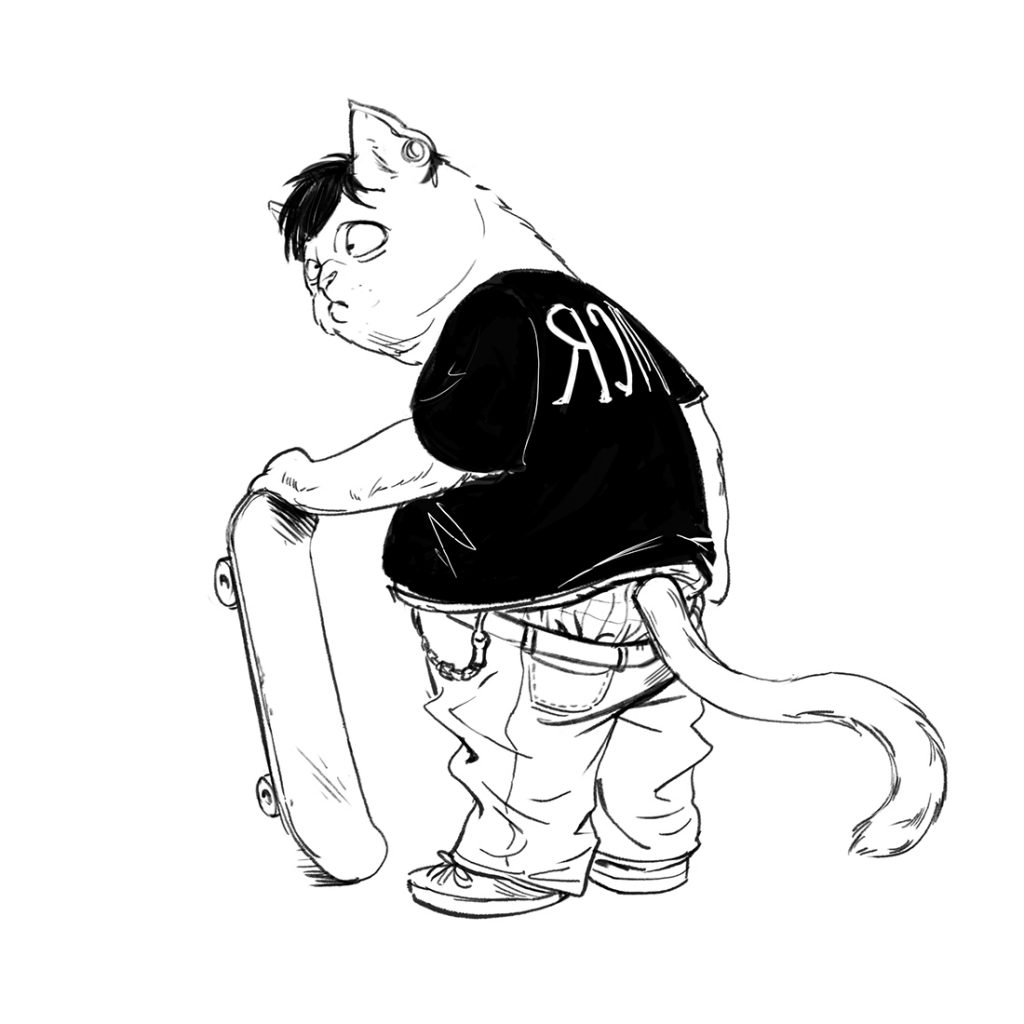
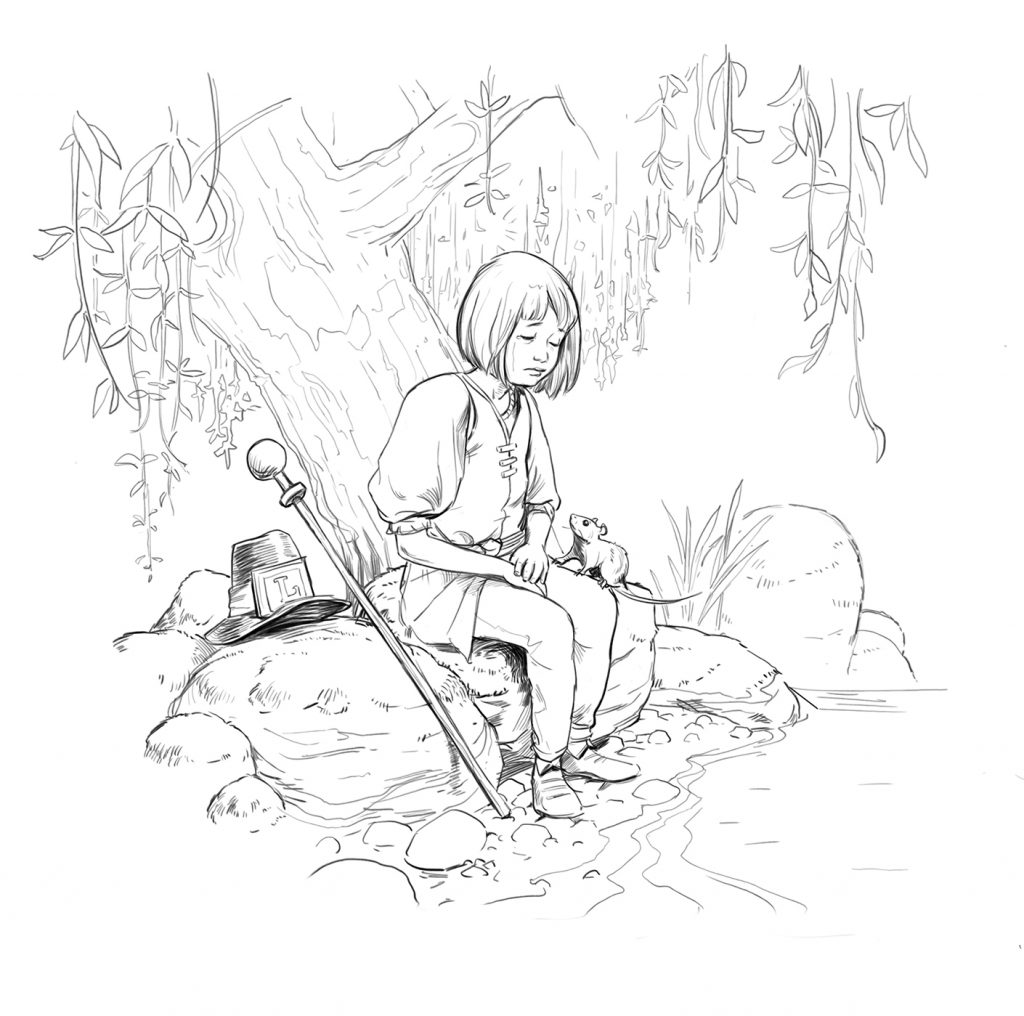
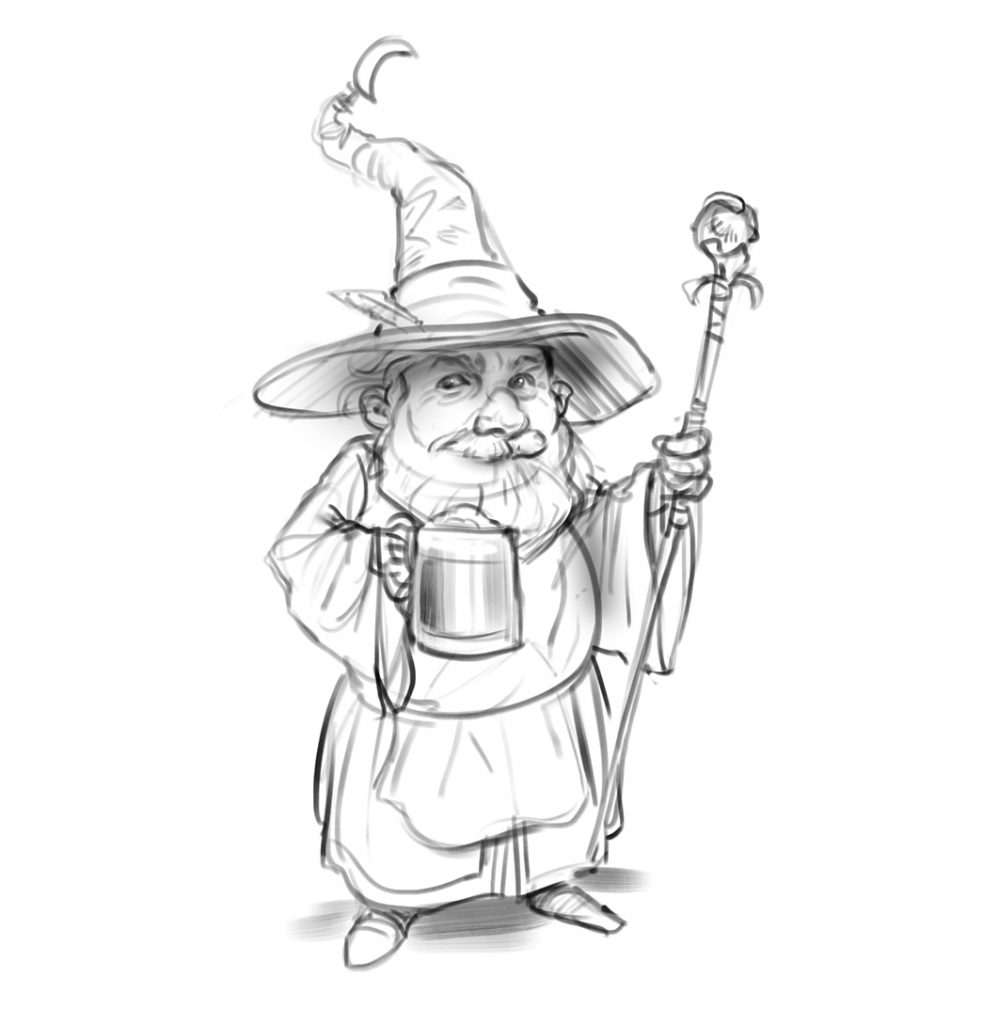
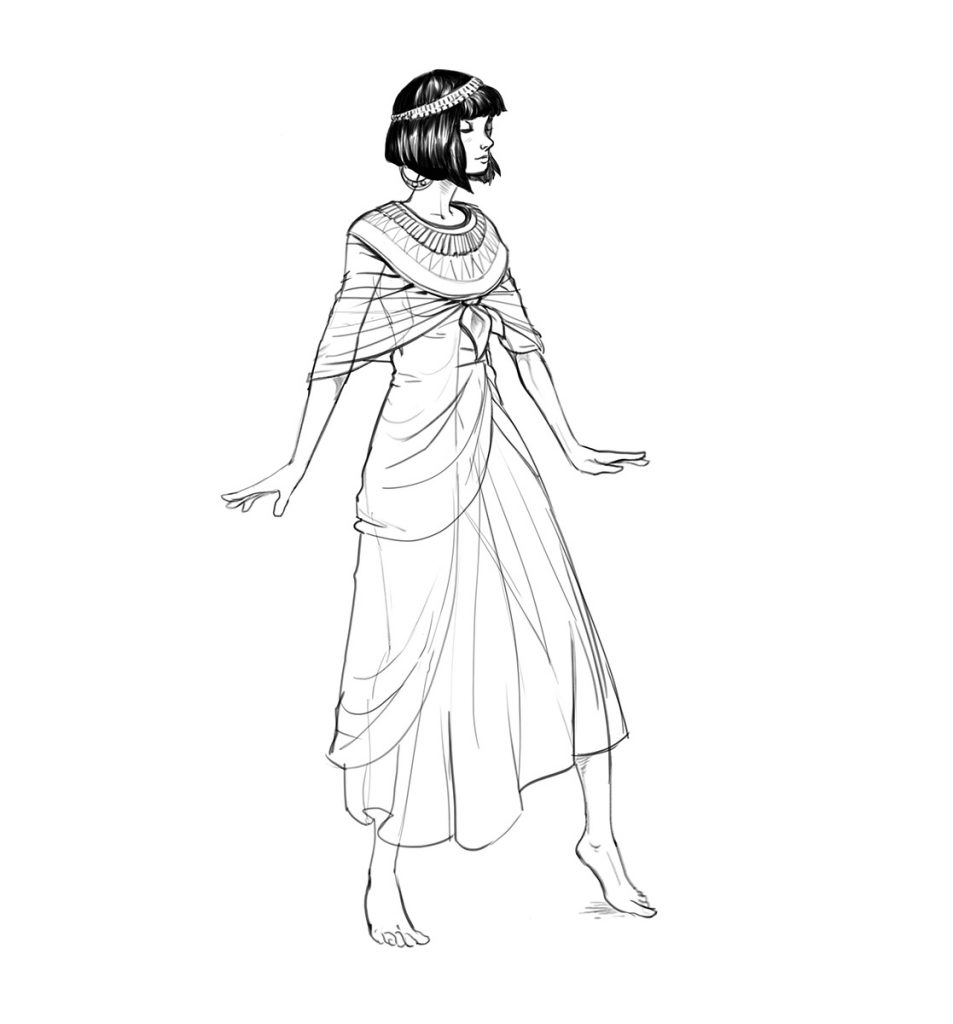
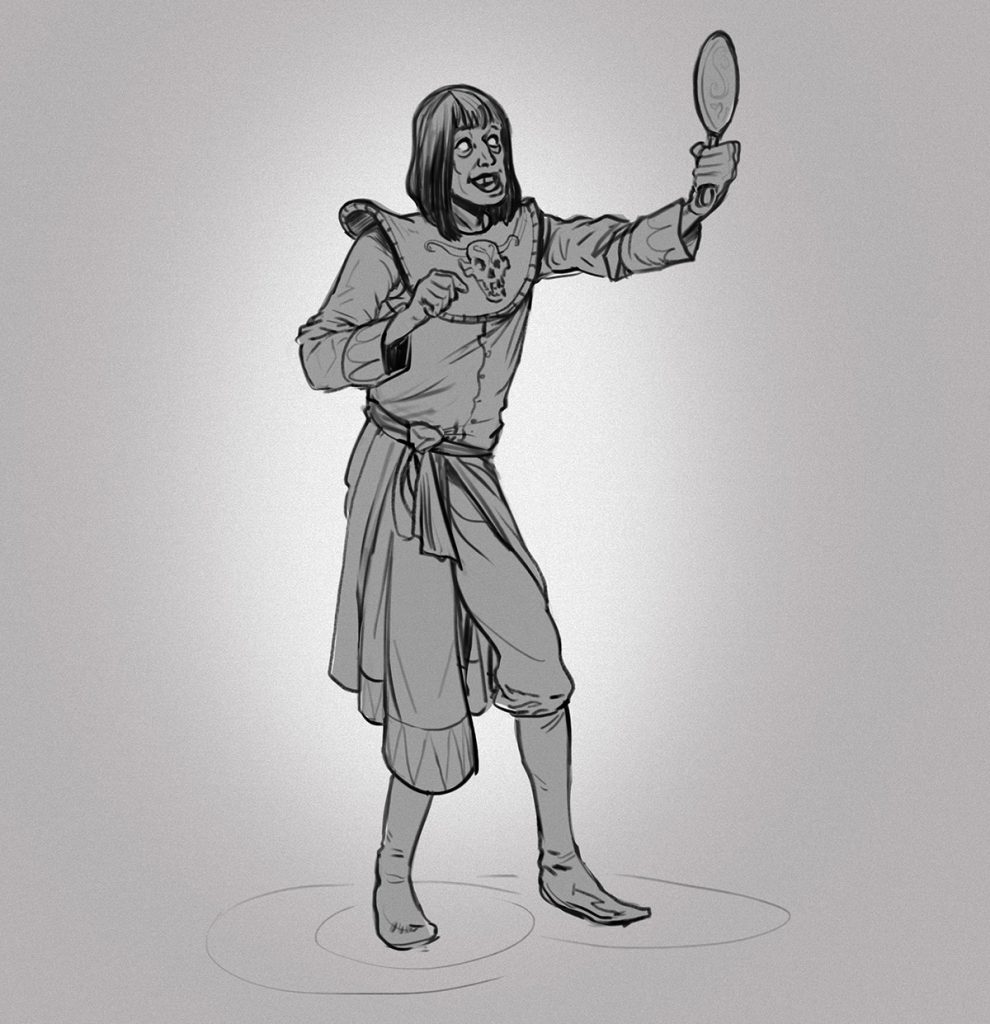
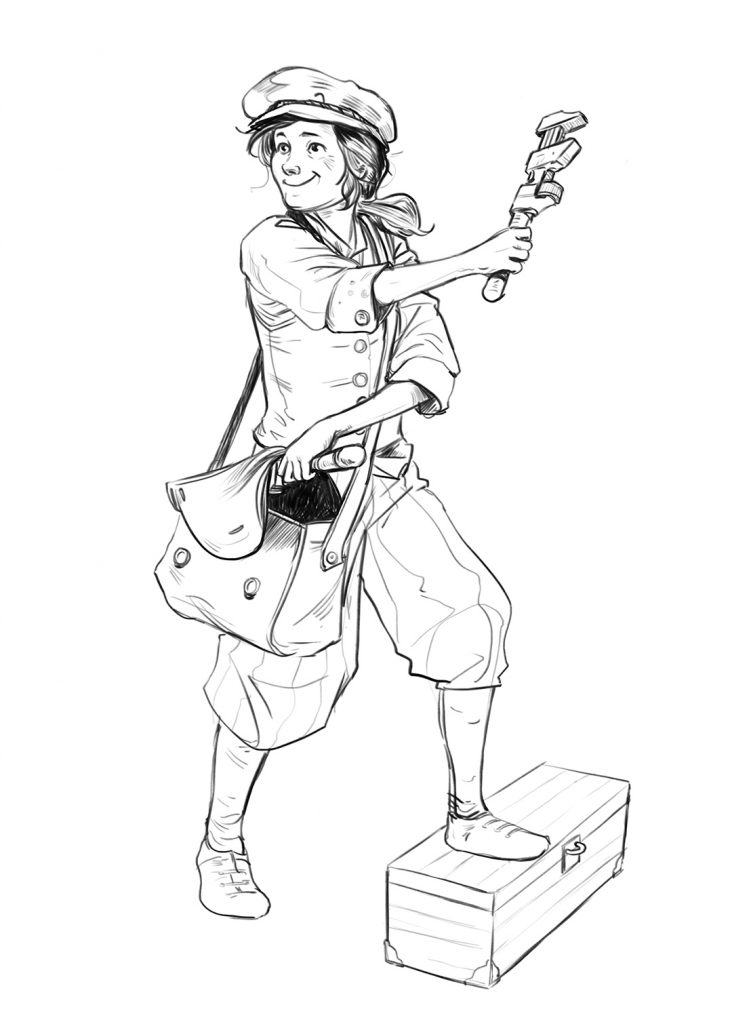
A skater cat circa 2007.There’s a story behind this one. Perhaps I’ll make something of it one day. Jennifer the reluctant apprentice wizard and Faisal her silver-starred mentor live by the lakeside in the idyllic rural village of Pensy-Clockham. There’s a whole thing growing in my head but it’s all a bit formless so far.I like drawing wizards. They’re easy and the hats are satisfying.Walk like an Egyptian priestess.Fat Lord HermannMorty the narcissistic necromancer. He spends all his time hanging around with skeletons and consequently feels very insecure about this weight. On the other hand- he feels great about his hair!A steampunk engineerA noble flamingo knightDeadly OwlbearsPolar Shaman and his best bear buddy
I also upload these things on my tumblr and instagram accounts, so go follow me on there to see them as soon as they’re uploaded:
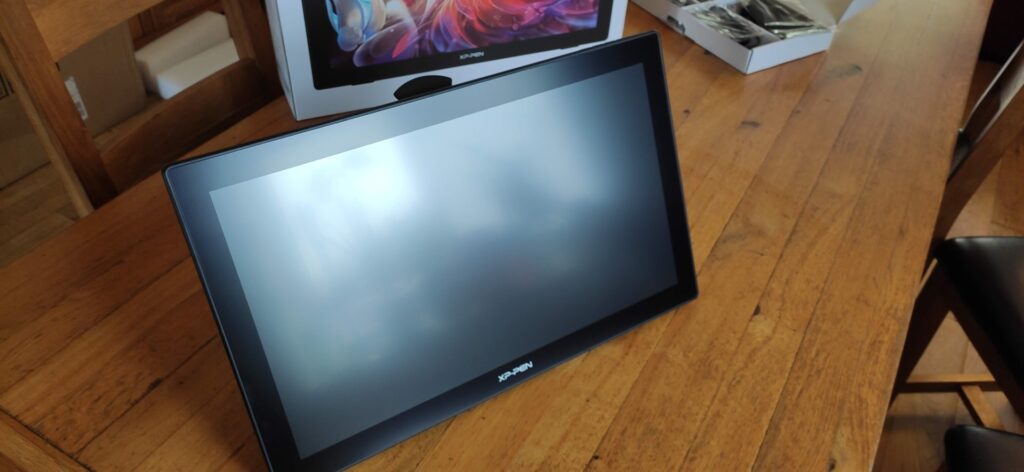
XP-Pen recently sent me one of their brand-new graphics tablets to try: the Artist 22 (2nd Generation)
Before we go any further and in the interests of transparency- I get to keep this tablet. That said, these are my honest thoughts, and I intend to be fair about it’s strengths and weaknesses.
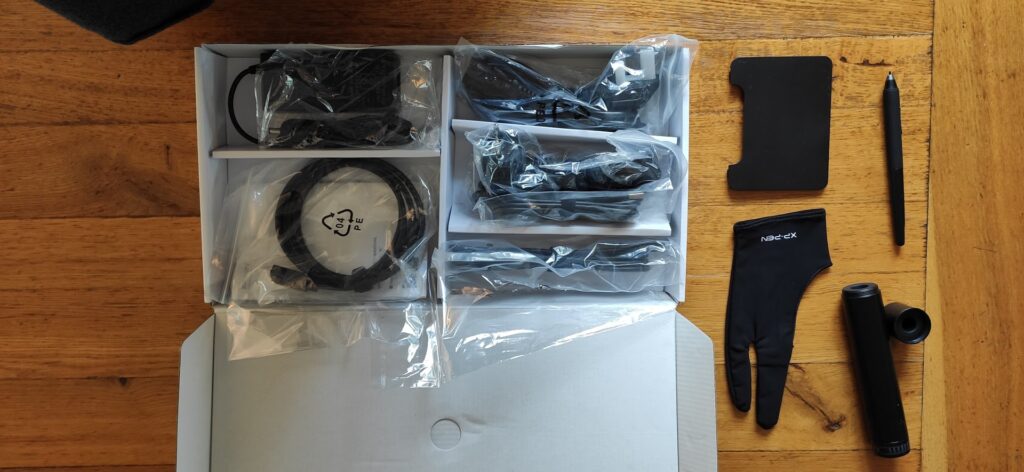
I’ll leave the unboxing details to the youtube pros, save to say that the packaging is pleasant to look at, and the contents are all securely contained. I plan to focus on the general experience of using the thing. My current workhorse tablet is an aging Wacom Intuos 5 large- which has served me well over the years- and which forms my baseline for comparison.
The screen
Let’s start with the screen. The first thing I notice in this area is that the build quality feels very good. It’s heavy, and the stand feels solid and reliable. There’s no flexing when you rest the weight of your arm on it.
The tablet stand
It’s important to note that the screen is not touch sensitive. This took a little getting used-to. After all, nearly every screen these days has touch capability, so the compulsion to zoom with pinches and pan with swipes is pretty ingrained in most of us. I never used the touch capabilities of my Intuos 5, but it’s different when you’re working directly onto a screen. After two weeks I’ve become used to it, so it no longer bothers me, but I do think it would definitely be nice to have.
I should also note that there are no hotkeys on the tablet. Again, on my old Intuos tablet I always had one hand on the keyboard and so never used them, but because this tablet is already quite wide- from an ergonomic point of view it would be nice to have.
For output the tablet uses either USB- C, or a combination of USB-A and HDMI. It also has a separate power cable. On the subject of cables- there’s a generous number that comes with it, and you shouldn’t need anything extra to get it up and running. My only criticism with the cables is that they’re a bit short. I struggled to reach the computer comfortably with them.
One concern I always had with screen based tablets is that they become uncomfortably warm with use, which is obviously no good if you’re using the thing all day. I’m happy to say this isn’t the case- the screen stays at a fairly stable temperature (about 25 celsius when I checked it).
There’s no fan in the screen either- unlike similar models, which means no added noise. I know from my Lenovo tab how irritating that can become after a while.
The picture quality is good overall. The colour range appears very good, and covers ~122% of the sRGB spectrum and ~90% of the Adobe rgb spectrum. My only problem with the picture quality is that deep shadows and bright lights are somewhat compressed, and lose a bit of contrast.
The other thing that’s unavoidable is that the resolution is only 1920 by 1080. On a screen this size (21.5 inches) that resolution is stretched to its limit, and on close inspection individual pixels are visible.
The Pen
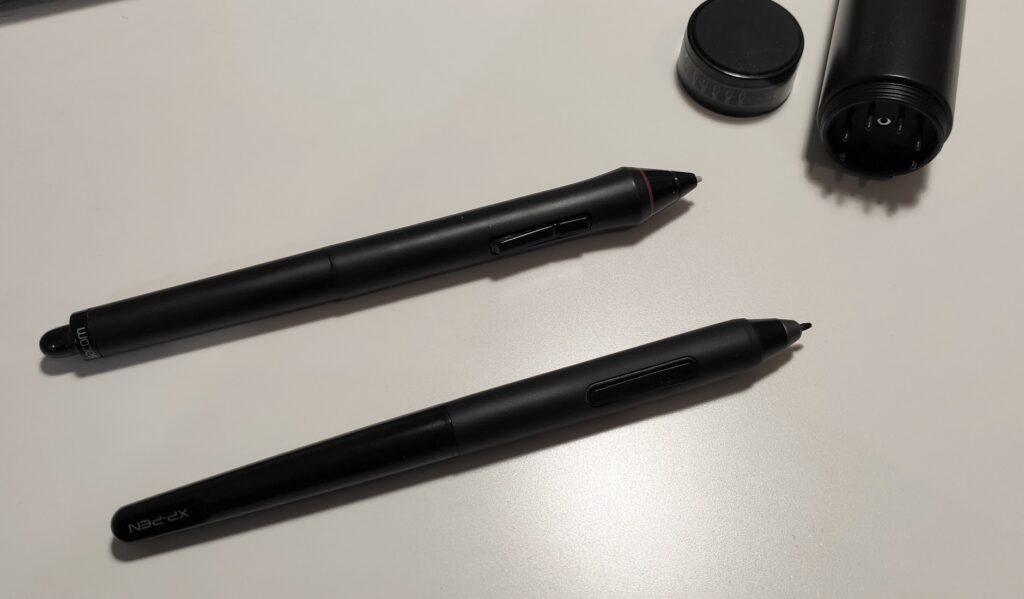
I was delighted to learn that the pen doesn’t need batteries. It just works. It’s pretty light, and feels very pleasant in the hand. It feels similar to- though a little less chunky- than my Wacom grip pen. There’s no eraser on the end, but frankly I never used that either. Similar to the touch keys- I’m from the one hand on the keyboard at all times school of art.
Bottom: New pen, Top: Old Wacom grip pen for scale.
I have quite big hands, and while some pen buttons are pretty uncomfortable to me I find this one to be perfectly comfortable
My initial impressions of the pen are very favourable. I was impressed by the feel of it and of the grip provided by the slight toothiness of the screen.
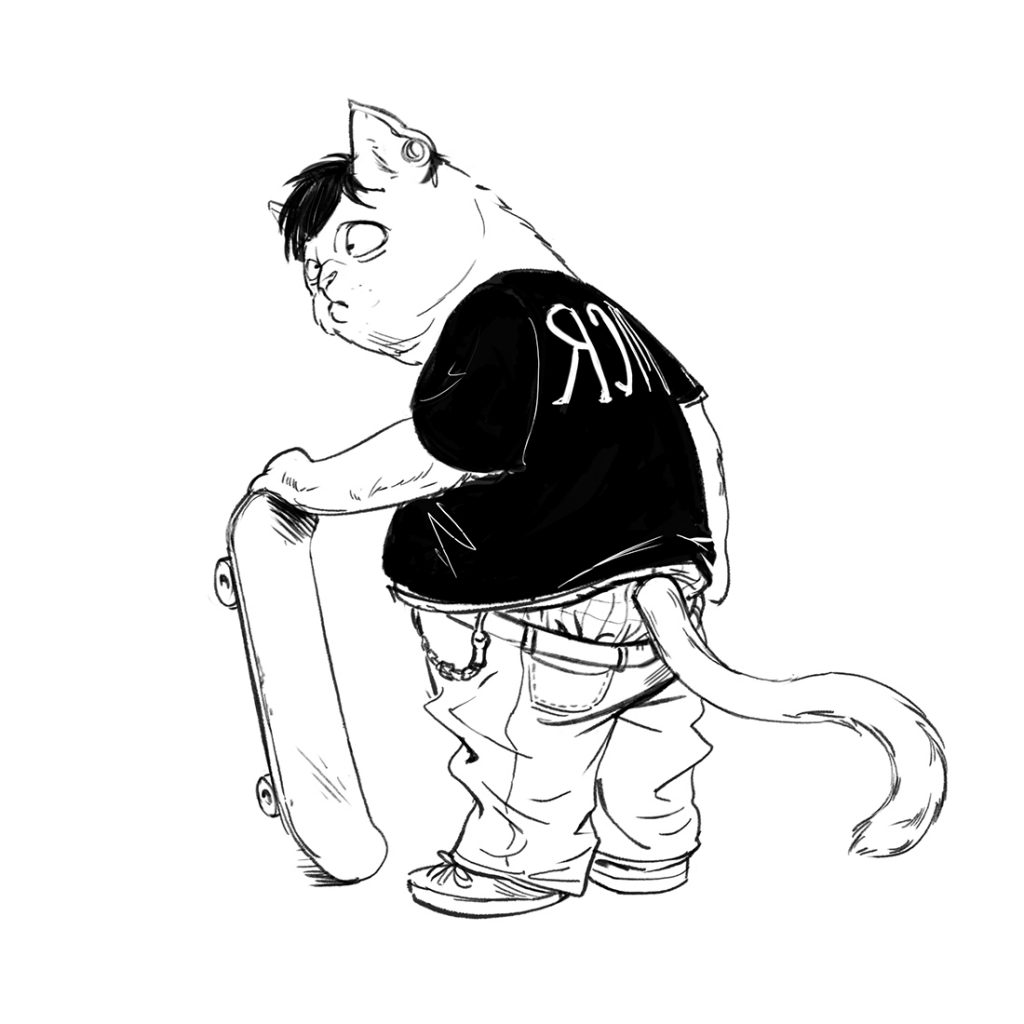
A quick test drawing. A “noughties” skater cat.
Activation pressure for the pen is extremely light- which is excellent! Most of my work is done with fairly light strokes and I want the tool to be as responsive as possible. There’s nothing more irritating than a pen which either misses a stroke, or requires RSI inducing pressure to work! The default pressure curve in the driver settings is very good too- producing smooth natural gradations in thickness. This pen feels great to draw with.
It also has 60 degrees of tilt sensitivity, which is nice, but not something vital to most artists I imagine. As far as I’m aware there’s no capacity for pen rotation sensing, which perhaps most people wouldn’t use, but I’m personally very keen on.
The drivers
Installing the drivers is a smooth and simple experience. I had no problems at all getting everything working seamlessly. In the two weeks since I haven’t experienced any problems at all.
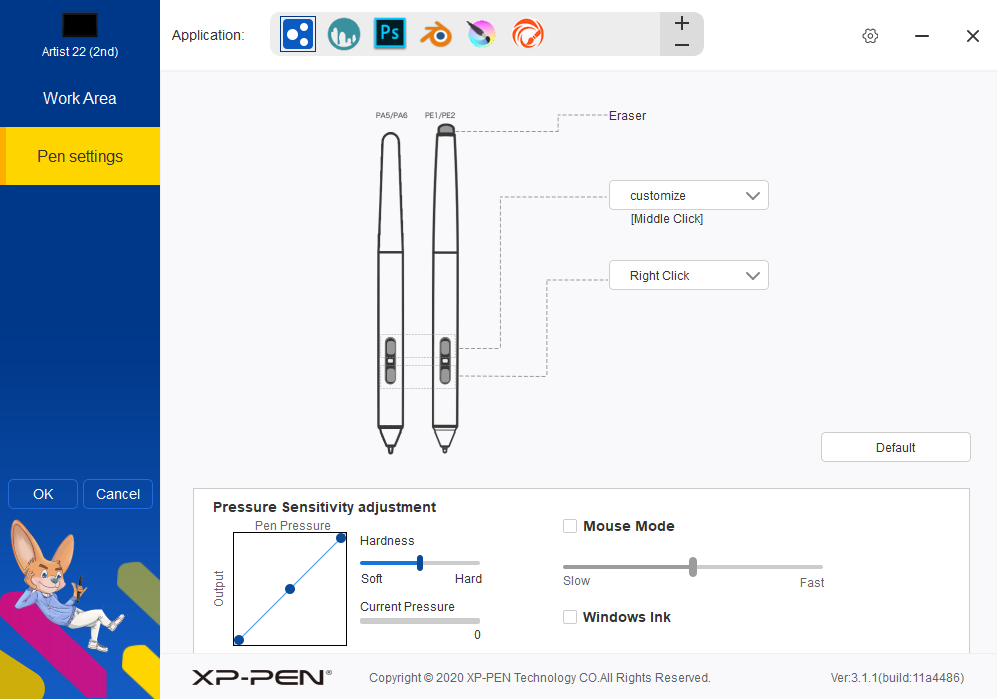
In terms of features- the drivers also allow you to set different, separate settings for different applications including pressure curves and pen button shortcuts. You can set the buttons to any keyboard or mouse input you like, which is great. You can also choose whether to use Windows Ink (Booooo).
The general experience
One thing I really like about this tablet is that you can unplug the HDMI cable and it immediately switches to functioning like a conventional screen-less graphics tablet. This is great if you want to switch up your posture, or check colour accuracy using your separate monitor. I don’t know if it was intended as a feature, but I find it very useful. I’d go so far as to say that it would be even better if there was a button or switch to quickly toggle between these modes. It’s also worth bearing in mind that at 21.5 inches it’s a pretty big drawing area regardless!
Banana for scale.
Conclusion
Overall I’m extremely impressed. Considering this is a mid-range tablet I’d be very interested to see what a top of the range tablet looks and feels like.
From my perspective it’s biggest strength is it’s pen, and the drawing experience, which is excellent.
It’s biggest weakness is the screen resolution, and it’s contrast in the extreme ends of the value scale, particularly the dark values.
I can absolutely recommend this tablet- particularly for drawing, where it excels. If, like me, you were wondering whether it makes that much difference for digital drawing to use a screen based tablet rather than a traditional one- the answer is yes, it does.
If you’re interested in purchasing one, or learning more, click the links below: