To to curious the people from Reddit (and elsewhere) hello! Since I’ve been asked several times about how I do my work- and in particular how I did this piece-rather than repeating the same thing in the comments section I though it’d be better to put this rough walk-through together.
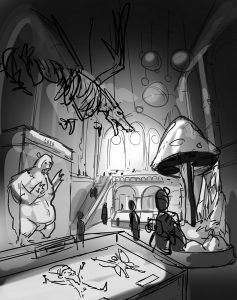
- Start with the idea- make a sketch or two just to see how it all might fit together.
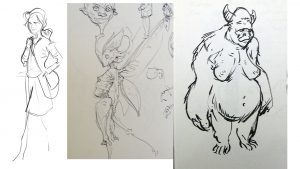
- Gather reference images for the tricky bits from google and elsewhere.
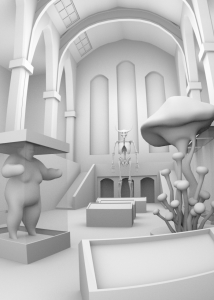
- (Optional) make 3d reference models to help with the perspective.
- Make sketches to help flesh out elements within the picture.
- Paint!
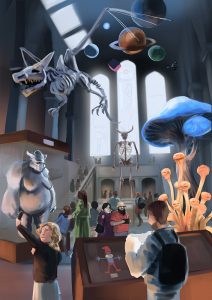
- Paint some more.
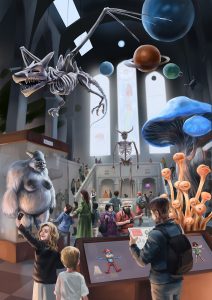
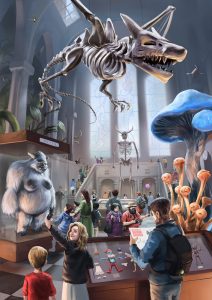 7. Done.
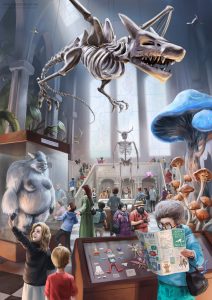 Here’s a little time-lapse:
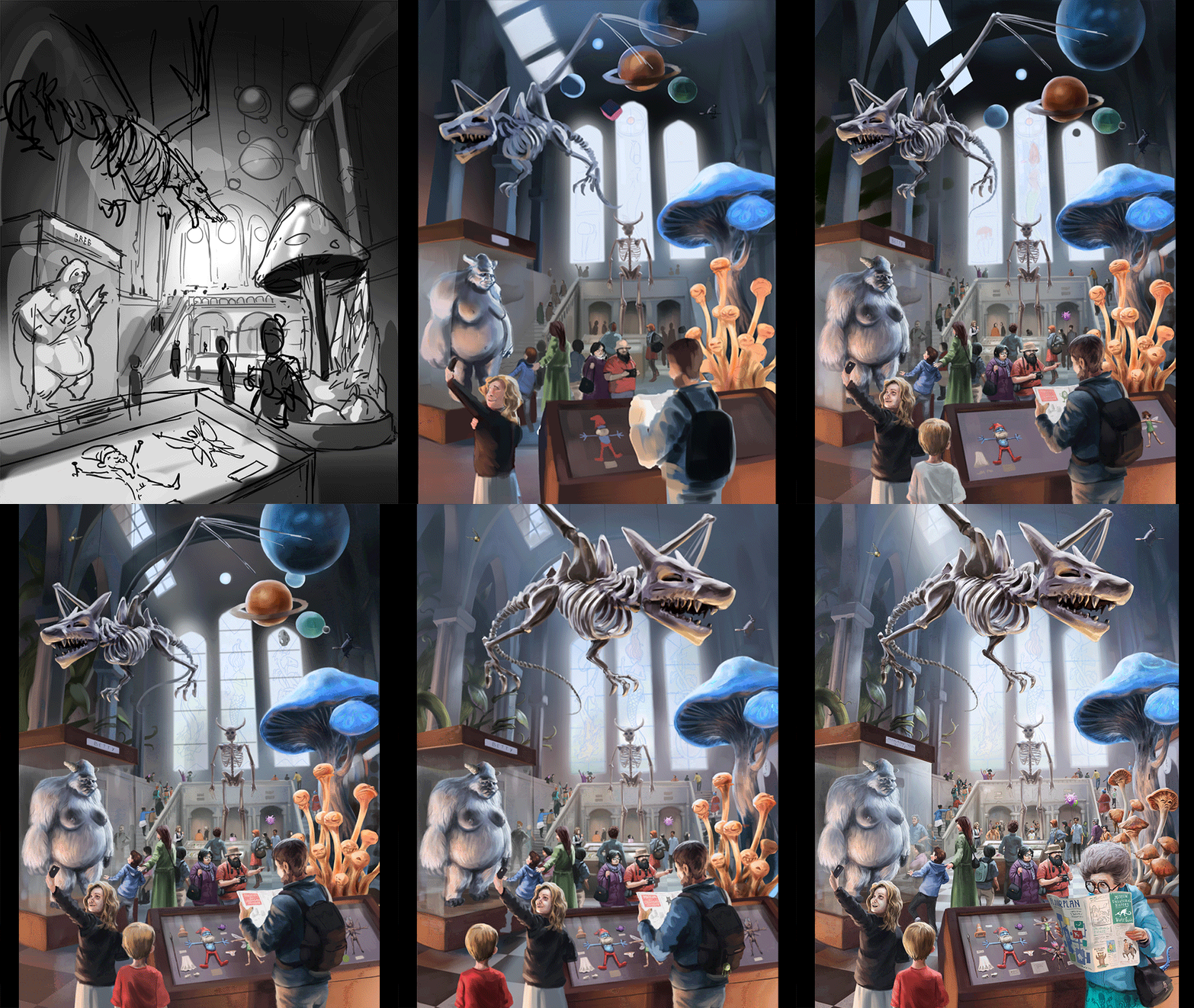
Obviously there’s more to it than that, but each and every aspect could have a book of it’s own, so I don’t want to dive in that deep here. Also, I can’t recommend anyone paint like me. I’m pretty slapdash and undisciplined. It’s always been a matter of “feeling it out” to me.
Digital art FAQs
Q. What program do you use?
A. Photoshop
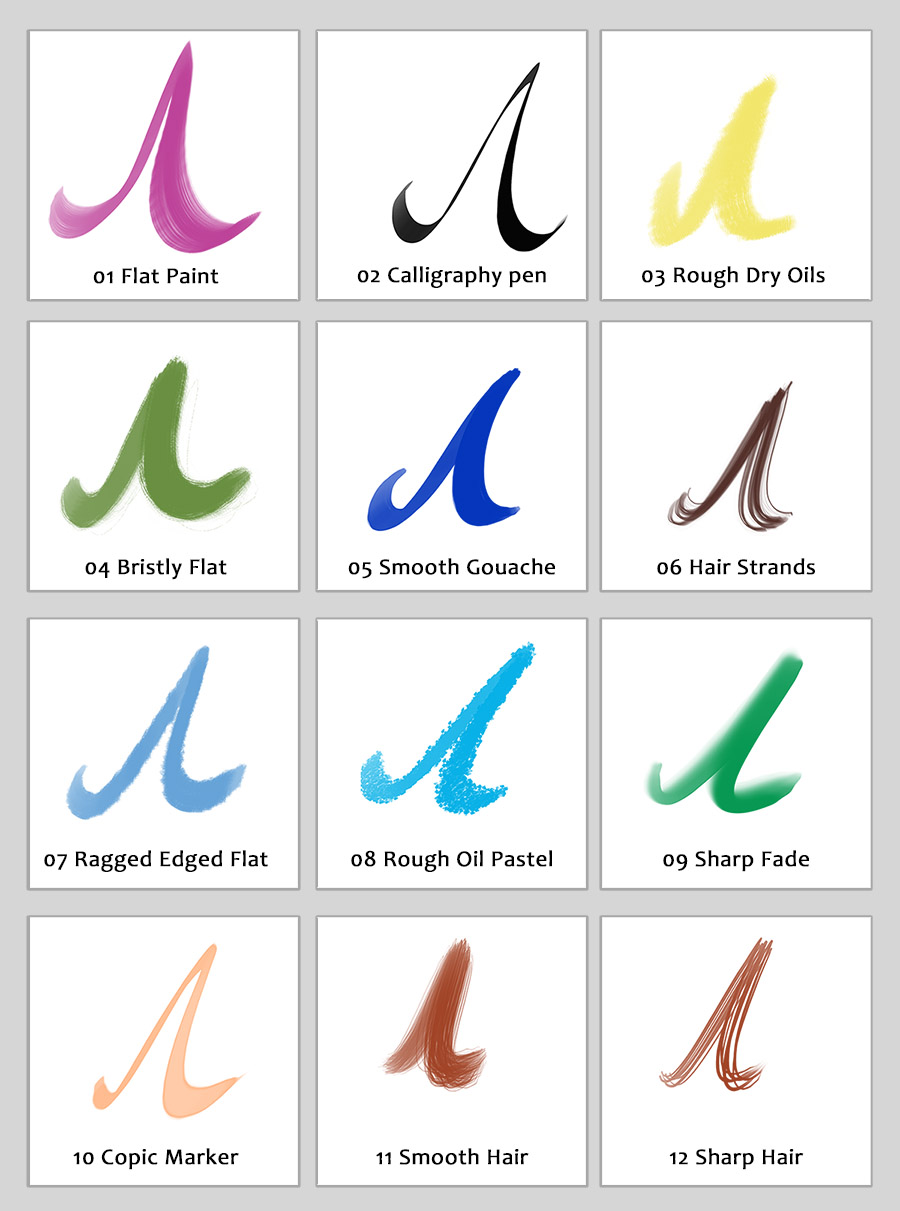
Q. Do I need special brushes/what brush do you use?
A. Short answer: No. It doesn’t matter.
Long answer. Being conscious of the effect you’re having with the brush is what’s important. Paint with intention. Craft the shapes while paying attention to areas you want to be sharp versus soft. Fancy brushes can add texture, sure, but they add it indiscriminately. There is no perfect brush. Maybe have a sharp one, a soft one and a medium, textured one. That’s really all you need. Also, a graphics tablet is fundamental.
Q. Do I need to use the fancy 3d software that’ll take me ages to learn?
A. No. But it undeniably helps.
Q. I can’t afford Photoshop. Is there a good alternative?
A. Yes! Krita (https://krita.org/) is a great open-source digital painting program that gets better all the time. I’d also recommend Paintstorm Studio (http://www.paintstormstudio.com/)- which though it isn’t free- it is pretty cheap and more than worth the price.
Q. How long does something like this take?
A. Ages. Maybe 3 hours a day for a few weeks. I’ve taken a week off it here and there but I think I started in February. You need patience I suppose. A lot of the time I didn’t really want to do it but I still wanted to see it finished.
Q. How long have you been doing art for?
A. Since… I was five maybe?
Q. How long have you been consciously practicing instead of Dunning-Krugering along?
A. Maybe five years.
I hope this is all useful or interesting to someone.
Cheers!
Tom

 Then a bit of tidying in Zbrush and off to be rendered in blender Cycles: